


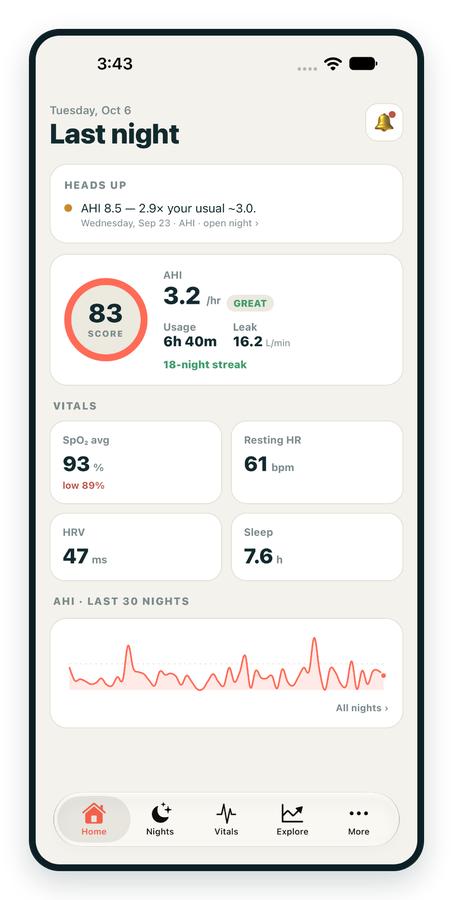
iPhone / iPhone Duo Live
Last night before you are out of bed. Apple Health vitals, Face ID.
Download on the App Store Apnealytics
Free on every plan: unlimited imports, the full dashboard and your last 30 nights.
 Compatibility checkerWill my machine work?Type your model. You get a straight answer: supported, partial, waitlist, or why not.Check my machine
 If it writes an SD card, we probably read it. ResMed AirMini has no card, so no app can read it.
Sleep Check-up
3 of 6 checks done
Six short screeners, one picture of how you sleep. Earn a milestone for each, save results and get retake reminders.
Latest milestone: Sleepiness check done
 NEWTrack your 90-day compliance windowOpen the calculator
 13 free tools. No account needed — sign in to save results and fill answers from your own CPAP data.
Last night before you are out of bed. Apple Health vitals, Face ID.
Download on the App Store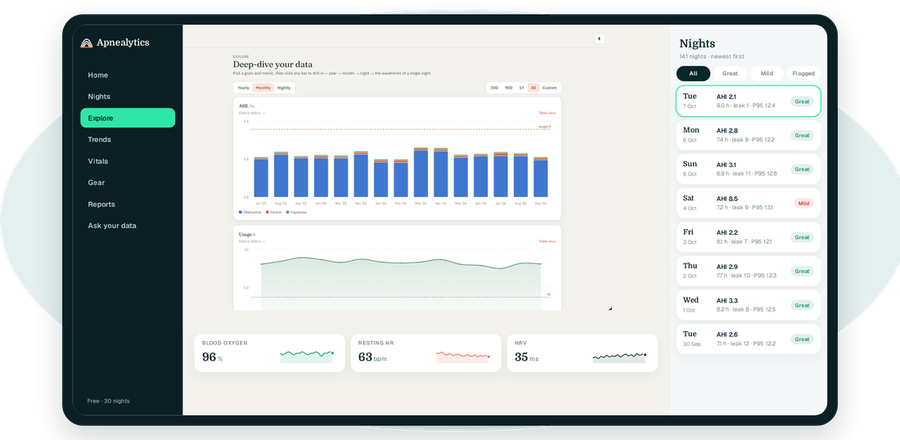
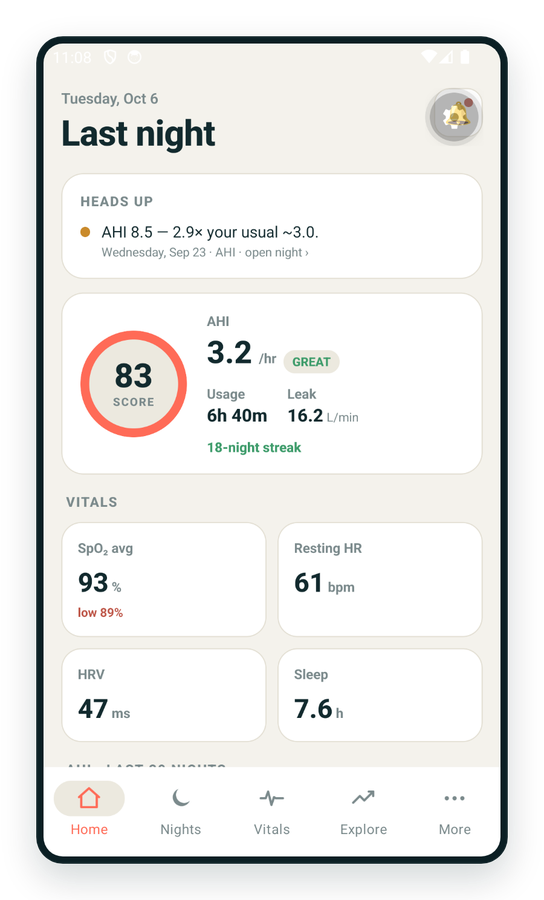
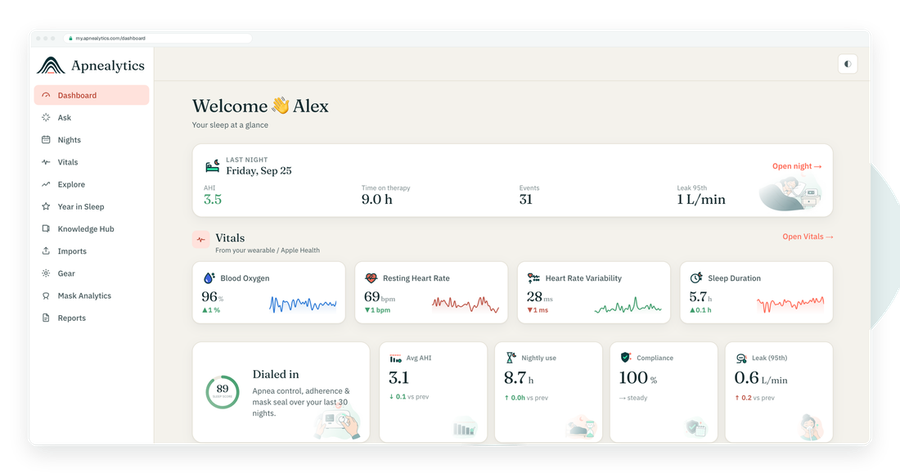
One account on every screen. Apple Watch vitals sync through Apple Health.
Partial support. The Löwenstein prisma SMART is one of the most common auto-CPAP machines in Germany and across Europe. It writes therapy data to an SD card in Löwenstein's own format, and Apnealytics reads part of it today. Here is what the machine records, where the card is, what Apnealytics shows, and how to be told as coverage grows.
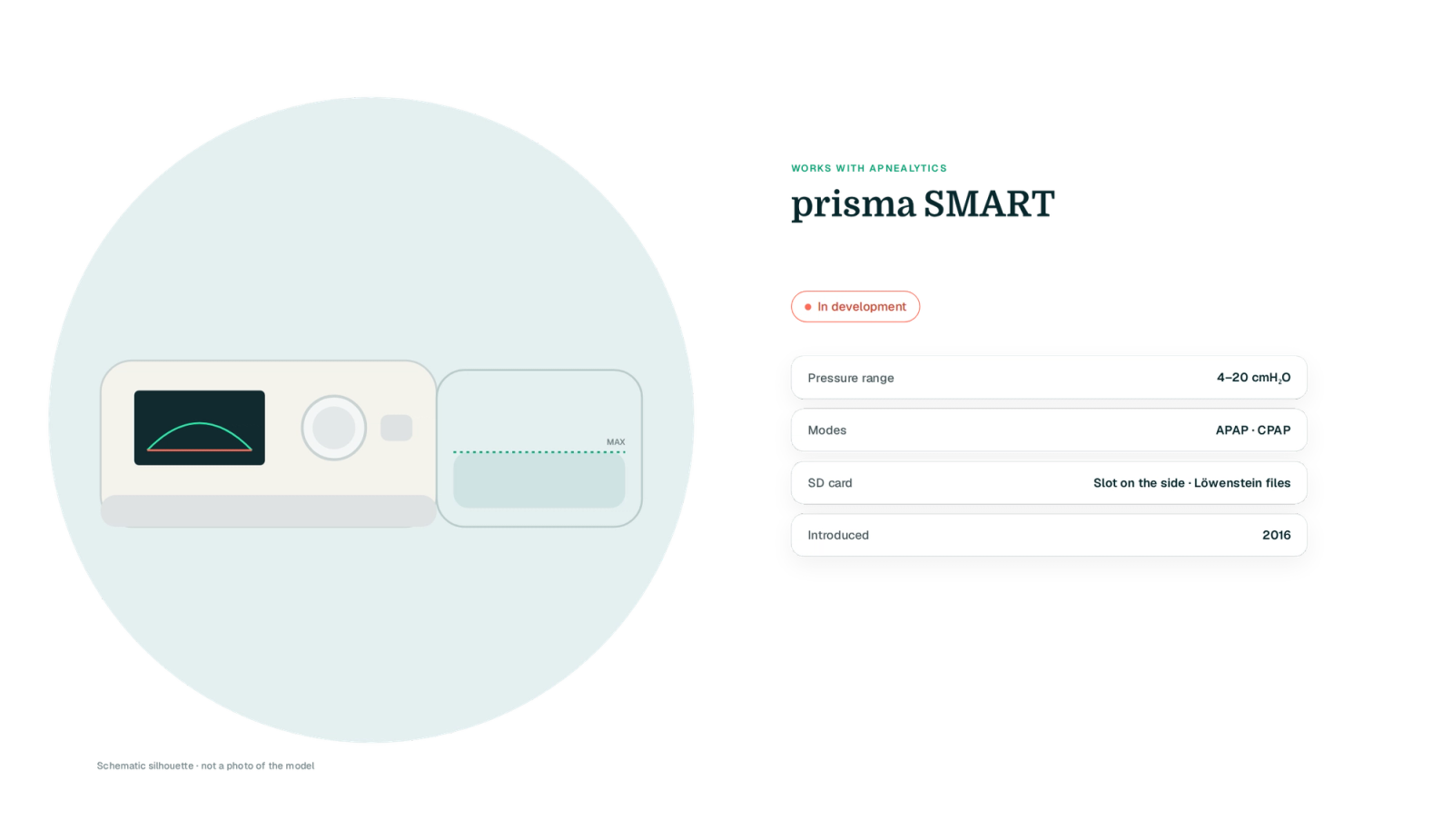
Löwenstein (formerly Weinmann) is well established in Europe but rare in North America, which is why its data format is less documented in the English-speaking community than Philips or ResMed.
| Spec | Löwenstein prisma SMART |
|---|---|
| Pressure range | 4–20 cmH₂O |
| Modes | APAP (auto), CPAP |
| Comfort | softPAP pressure relief (levels 1–3), autoSTART/STOP |
| Humidifier | prismaAQUA heated humidifier, attaches to the base |
| SD card | SD card in a slot on the side |
| Data files written | Proprietary Löwenstein files readable by prismaTS clinician software |
| Bluetooth / app | Bluetooth on later units for the prisma APP; optional prisma CLOUD modem module |
| Year introduced | 2016 |
| Apnealytics status | Partial |
![Drawn schematic silhouette of a prisma SMART-style body with prismaAQUA humidifier on a teal blob, SD slot on the side highlighted in mint [VERIFY: position and cover], three fact rows (not a photo)](https://cdn.sanity.io/images/xljt2bp4/staging/5b1a70f5f2492a868c0955a8d3b2e2f103da30b1-2380x1344.png?w=2000&fit=max&auto=format)
The card slot is on the side of the device. Switch the machine to standby, wait for any card activity indicator to stop, and press the card to release it. Keep a card in at all times; detailed data is stored only on the card.
![Two-view schematic: prisma SMART front (drawn silhouette) on a teal blob and a side elevation with the SD slot drawn dashed with a question mark, on the side of the device; exact position and cover to be verified [VERIFY: slot side and cover], with the power-off reminder](https://cdn.sanity.io/images/xljt2bp4/staging/91d260ca741e3bb9b06c6ed2c4a904fbcd0d2366-2400x1140.png?w=1000&fit=max&auto=format)
Switch the prisma SMART to standby and remove the SD card.
Card import is web-only.
Sign in at my.apnealytics.com and open Import.
The upload goes directly to private storage on Cloudflare R2, resumable if interrupted.
Nights are parsed and deduplicated against anything already in your account.
When coverage grows, Re-process in your import history updates past nights without a second upload.
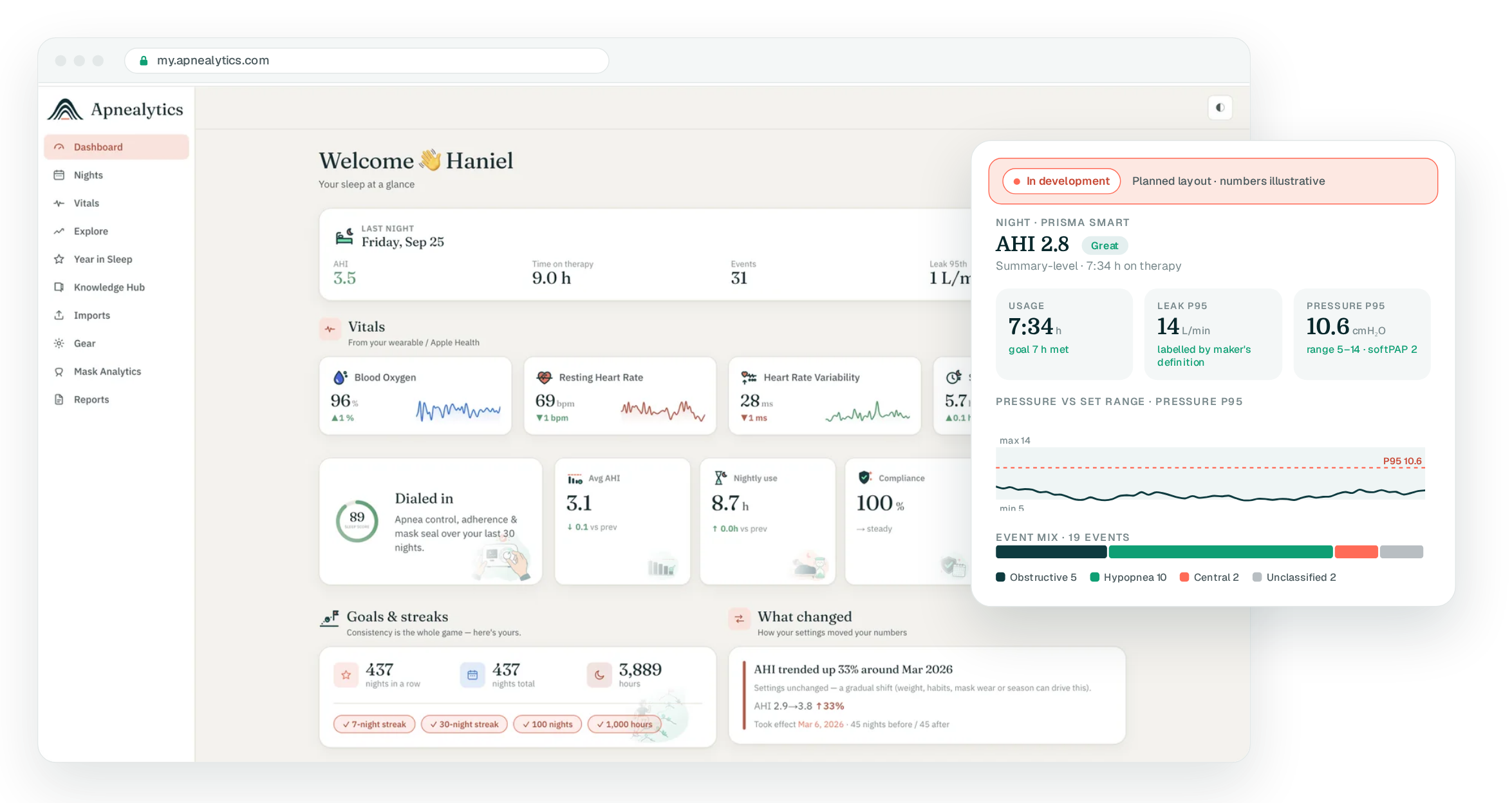
The prisma SMART records obstructive and central apneas, hypopneas, flow limitation and snoring. These map to Apnealytics' obstructive, central, hypopnea and unclassified composition, with the band (Great, Mild, Moderate, High) on each night.
APAP nights show pressure percentiles against your set range, with the softPAP level alongside, in the same slot where EPR appears for ResMed machines.
Leak is shown by the measure Löwenstein records and labelled clearly. Mask Analytics compares it per mask. On Pro, the waveform viewer will read high-resolution flow and pressure if the card holds it.
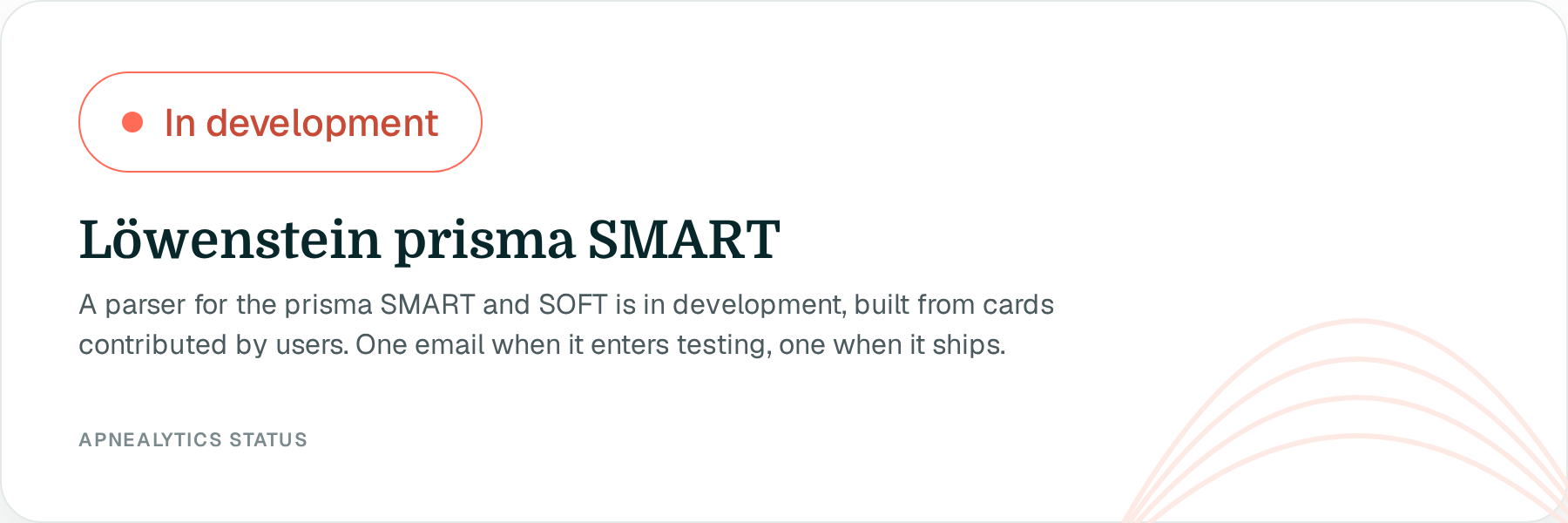
Clinician software only. Löwenstein's prismaTS software reads the card, but it is intended for clinicians and the file format is not published. Our parser is built from cards contributed by users.
Language and units. Settings on European machines are recorded in metric and in several languages. Apnealytics stores units internally and shows your preference (Imperial or Metric).
prisma APP and prisma CLOUD. Like myAir and DreamMapper, these are Löwenstein's own channels and are not open to third parties. The card is the import path.
Model family. prisma SMART, prisma SOFT, prisma 20A and the bilevel prisma 25ST share a platform. Coverage targets the SMART and SOFT first; bilevel models follow.
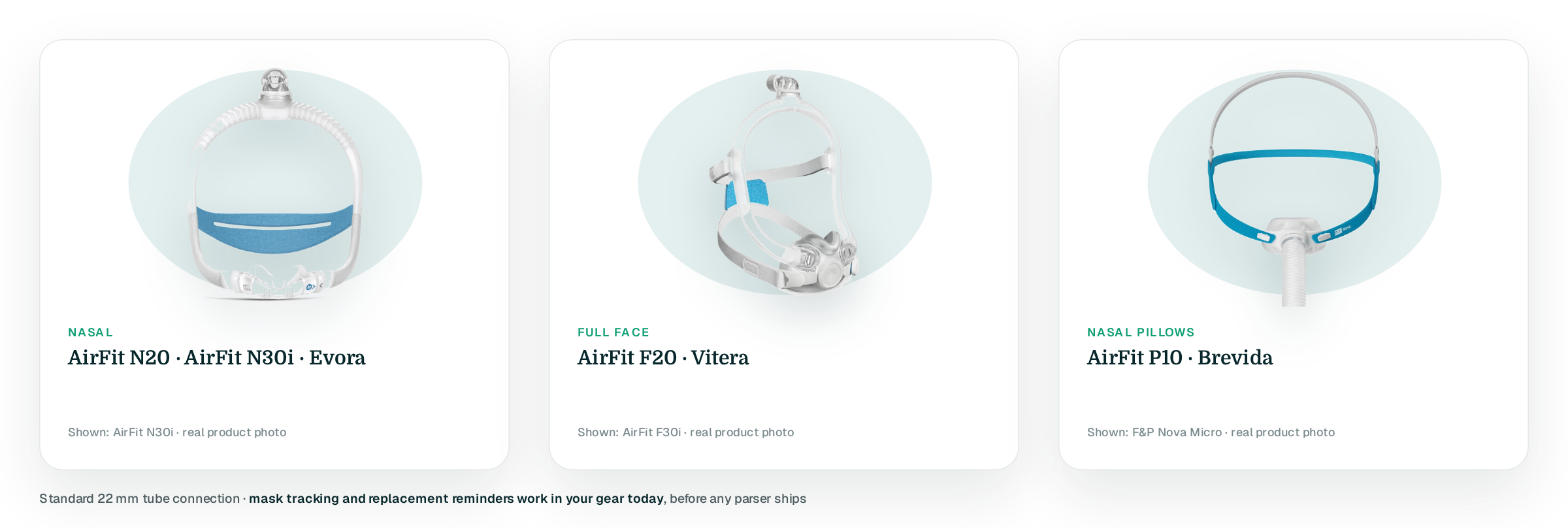
The prisma SMART uses a standard 22 mm tube connection and works with Löwenstein's own masks as well as ResMed, Philips and Fisher & Paykel masks. Mask tracking and replacement reminders work in your gear:
AirFit N20, AirFit N30i, Evora
AirFit F20, Vitera
AirFit P10, Brevida
Create a free account and add the prisma SMART to your gear, or enter your email on the compatibility checker. One email when coverage grows. If you have a prisma card and are willing to share it to help testing, write to info@apnealytics.com.
Partly. Apnealytics reads part of what the prisma SMART and SOFT record, and the machine is labelled "partial" until it is tested against more real cards. You can create a free account, add your prisma to your gear and upload cards now; Re-process updates past nights as coverage grows.
In a slot on the side of the device. Put the machine in standby and press the card to release it. Keep a card in the machine at all times, because detailed data is recorded only to the card.
No. Both are Löwenstein's own services and are not open to other apps. Apnealytics reads the SD card directly, which holds more detail than the app shows.
OSCAR, the free desktop program, lists Löwenstein among the brands it reads. SleepHQ also lists Löwenstein. Löwenstein's own prismaTS is clinician software. Apnealytics reads part of it today.
The portal and apps are in English today. Units can be set to metric and dates to European format in settings. Language support is on the roadmap; tell us at info@apnealytics.com if German matters to you, because demand decides order.
The web app is live today. iPhone and iPad are on the App Store. Android is on Google Play. Your first 30 nights are free, forever.
 DashboardSleep Score, AHI band, leak and pressure
 Trends & historyA year down to a night
 Breath-by-breath viewerAirflow, pressure, leak tracesPro
 SpO₂ overlayOximeter data on the same nightPro
 Pressure insightsP95, set range, EPR and ramp
 SD card importDrop the card folder, only new nights added
 Mask fit & gearWhich mask actually seals
 Ask your dataPlain-English questions, your own AI keyBYOK
 Year in SleepYour therapy year in one storyNew
 Compliance reportFinds the qualifying window for youPro
 Share with your doctorRead-only, revocable links
 Companion appiPhone, iPad and Android
 Privacy & securityYour data, locked to you
 ResMed AirSense 10 & 11Supported
 ResMed AirCurve 10 & 11 VAutoSupported
 ResMed S9 / LumisSupported
 Philips DreamStation 1 & 2Supported
 Fisher & Paykel SleepStyleSupported
 Löwenstein / DeVilbissPartial
 React Health Luna G3Waitlist
 Transcend MicroWaitlist
 Full face masksFit, leak signature, Mask Analytics
 Nasal masksOver-nose and cradle styles
 Nasal pillowsMinimal-contact fit tips
 Wellue O2RingSupported
 Contec CMS50 familySupported
 Apple Health / Health ConnectResting HR, HRV, SpO₂, sleepSupported
 What is AHI?The apnea-hypopnea index, explained
 What is a good AHI on CPAP?
 CPAP leak rate explained
 Pressure settings explained
 Reading CPAP waveformsAll 14 explainers
 Apnealytics vs SleepHQ
 Apnealytics vs OSCAR
 Apnealytics vs myAir
 Apnealytics vs DreamMapper
 SleepHQ vs OSCARBest CPAP apps in 2026
 How to read CPAP dataStart here: six numbers, in order
 Read your CPAP SD card
 Share data with your doctorChoosing a CPAP mask
 Travel with CPAPAll guides
 Mask finderSeven questions, a ranked mask typeYour data
 Machine finderA two-machine shortlist for your prescription
 iPhone / iPhone DuoLast night before you are out of bed. Apple Health vitals, Face ID.Live
 iPadSame universal app, side-by-side panes and full-width waveforms.Live
 AndroidPhones, tablets and foldables, with Health Connect built in.Live
 Web portalWhere your SD card goes. Every chart, report and setting.Live

