


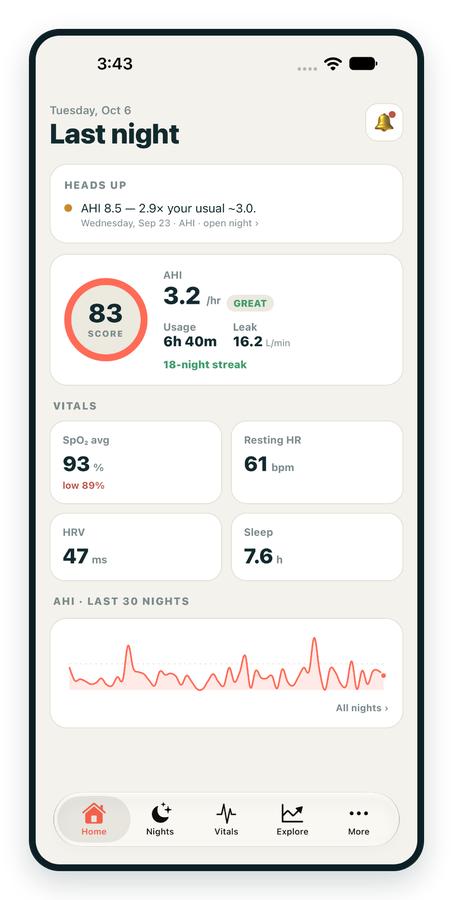
iPhone / iPhone Duo Live
Last night before you are out of bed. Apple Health vitals, Face ID.
Download on the App Store Apnealytics
Free on every plan: unlimited imports, the full dashboard and your last 30 nights.
 Compatibility checkerWill my machine work?Type your model. You get a straight answer: supported, partial, waitlist, or why not.Check my machine
 If it writes an SD card, we probably read it. ResMed AirMini has no card, so no app can read it.
Sleep Check-up
3 of 6 checks done
Six short screeners, one picture of how you sleep. Earn a milestone for each, save results and get retake reminders.
Latest milestone: Sleepiness check done
 NEWTrack your 90-day compliance windowOpen the calculator
 13 free tools. No account needed — sign in to save results and fill answers from your own CPAP data.
Last night before you are out of bed. Apple Health vitals, Face ID.
Download on the App Store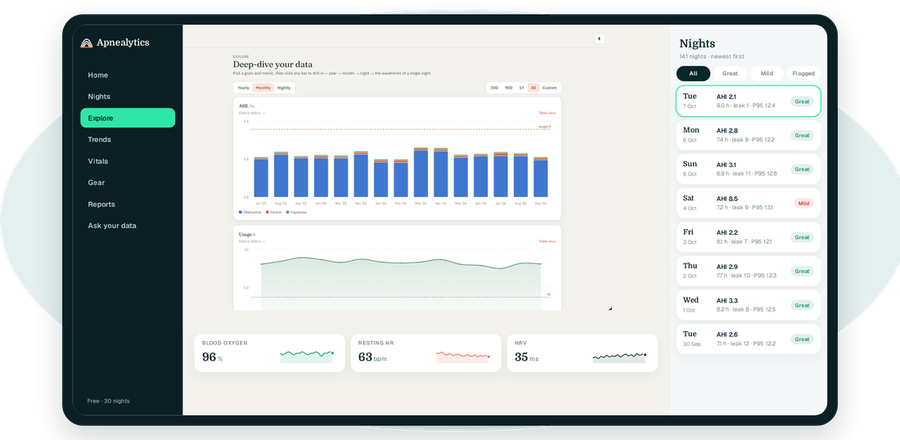
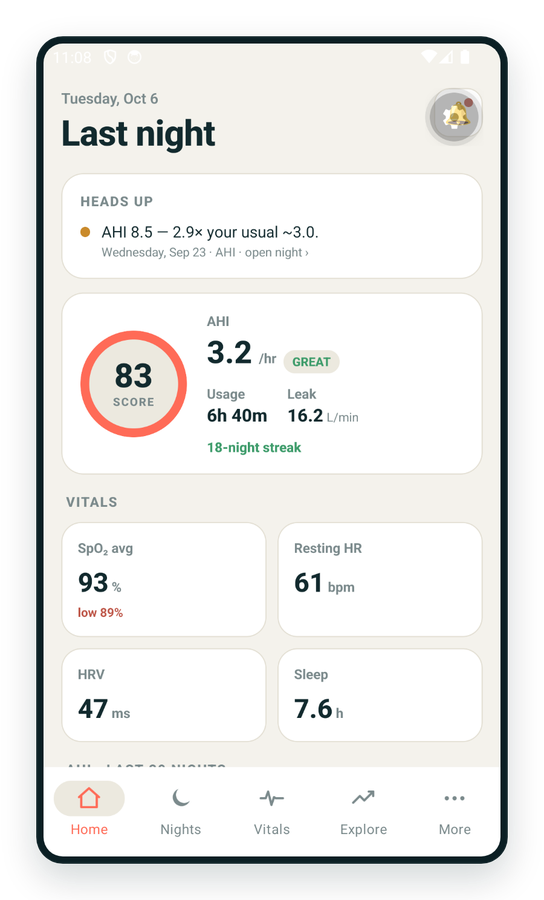
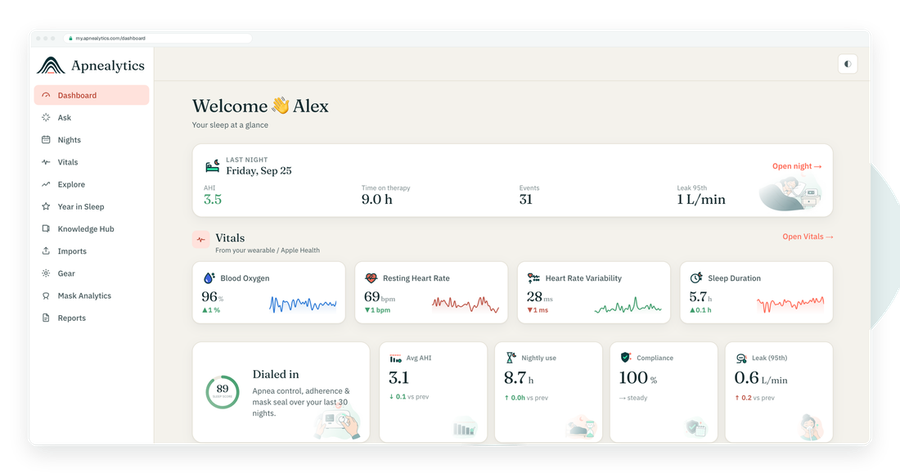
One account on every screen. Apple Watch vitals sync through Apple Health.
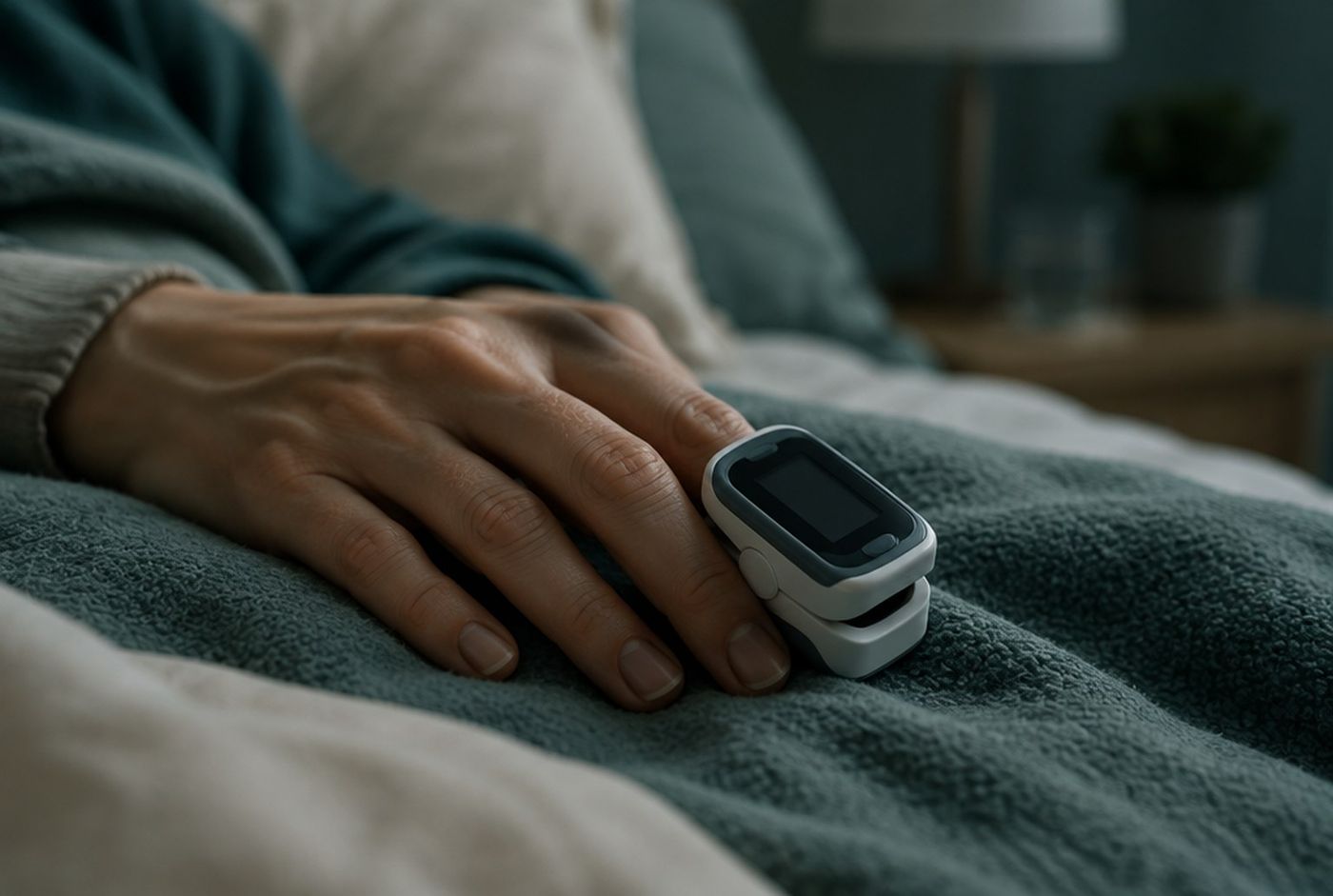
The Contec CMS50 family is the budget end of overnight oximetry: finger-clip and wrist units that have been sold under many brand names for over a decade. Apnealytics imports their CSV exports and overlays SpO₂ and pulse on your CPAP night, with ODI₃, ODI₄ and T90 in the summary. Using a Contec CMS50 with CPAP data is a Pro feature.
| Spec | Contec CMS50 family |
|---|---|
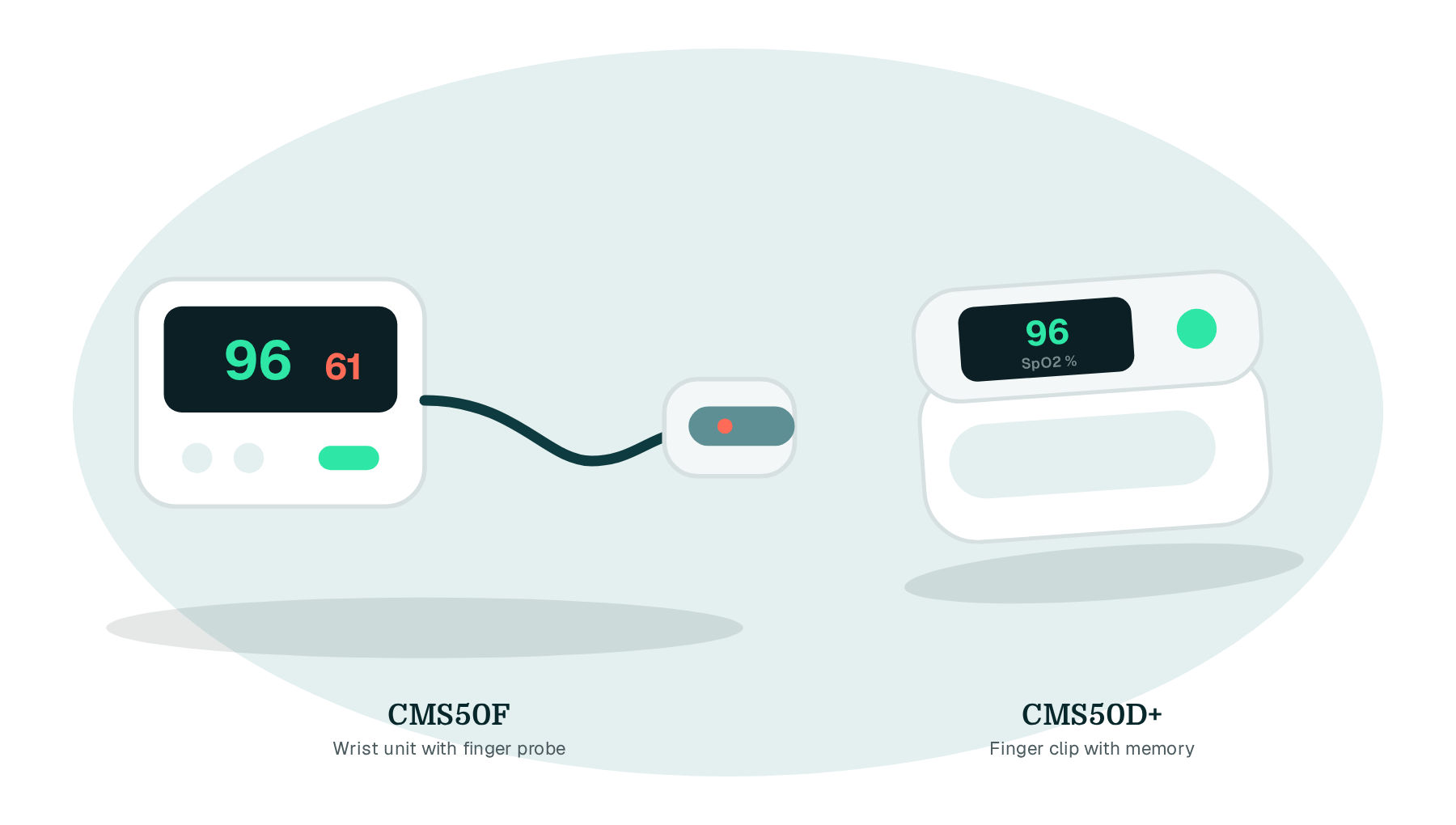
| Models | CMS50D+ (finger clip with memory), CMS50E, CMS50F (wrist unit with finger probe), CMS50I (wrist, Bluetooth) and rebadged equivalents |
| Records | SpO₂ and pulse rate; some models add a pleth waveform |
| Sample interval | 1 s on most recording models |
| Memory | One night or more on the device |
| Connection | USB cable to a computer; Bluetooth on some models |
| Software | Contec SpO2 Assistant or SpO2 Review for Windows; VitalSigns / ViHealth-type phone apps on Bluetooth models |
| Export | CSV from the desktop software or app |
| Apnealytics status | Supported, Pro |
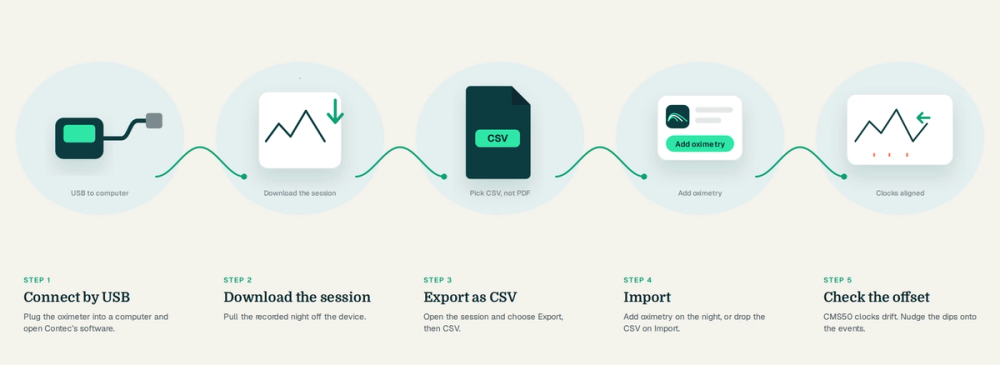
Connect the oximeter by USB and open Contec's software.
Download the recorded session from the device.
Open the session and choose Export, then CSV.
Save the file somewhere you can find it.
Pair the oximeter and sync the session into the app.
Open the session and choose Share or Export, then CSV.
Share it to the Apnealytics app directly, or save it to Files or downloads.
The CSV has a timestamp, SpO₂ and pulse per row. Layouts vary between software versions and rebadged brands, so Apnealytics shows a column mapper the first time it sees an unfamiliar layout and remembers your choice.
On the web: at my.apnealytics.com, drop the CSV onto Import or open the night and choose Add oximetry.
On the phone: in the Apnealytics app, open the night, tap Add oximetry and pick the CSV.
Apnealytics aligns the session with your machine's clock by timestamp. CMS50 clocks drift, sometimes badly, so check the offset control on the night and nudge the dips onto the events if needed.
Older CMS50 software exports without a date, only a time of day. When that happens Apnealytics asks you to confirm which night the file belongs to.
Two traces, SpO₂ and pulse, above the airflow and event strip for the night. Each drop of 3 percent or more from baseline is marked; 4 percent drops are marked more strongly. Click a marker to zoom the Pro waveform viewer to that moment. The summary adds average and lowest SpO₂, average and highest pulse, ODI₃, ODI₄ and T90, trended across any range.
ODI₃ and ODI₄ are desaturations per hour at 3 and 4 percent thresholds. T90 is the time below 90 percent SpO₂. They are the oximeter's view, separate from the machine's AHI, and the overlay shows where the two agree. Neither is a diagnosis. See SpO₂ explained.
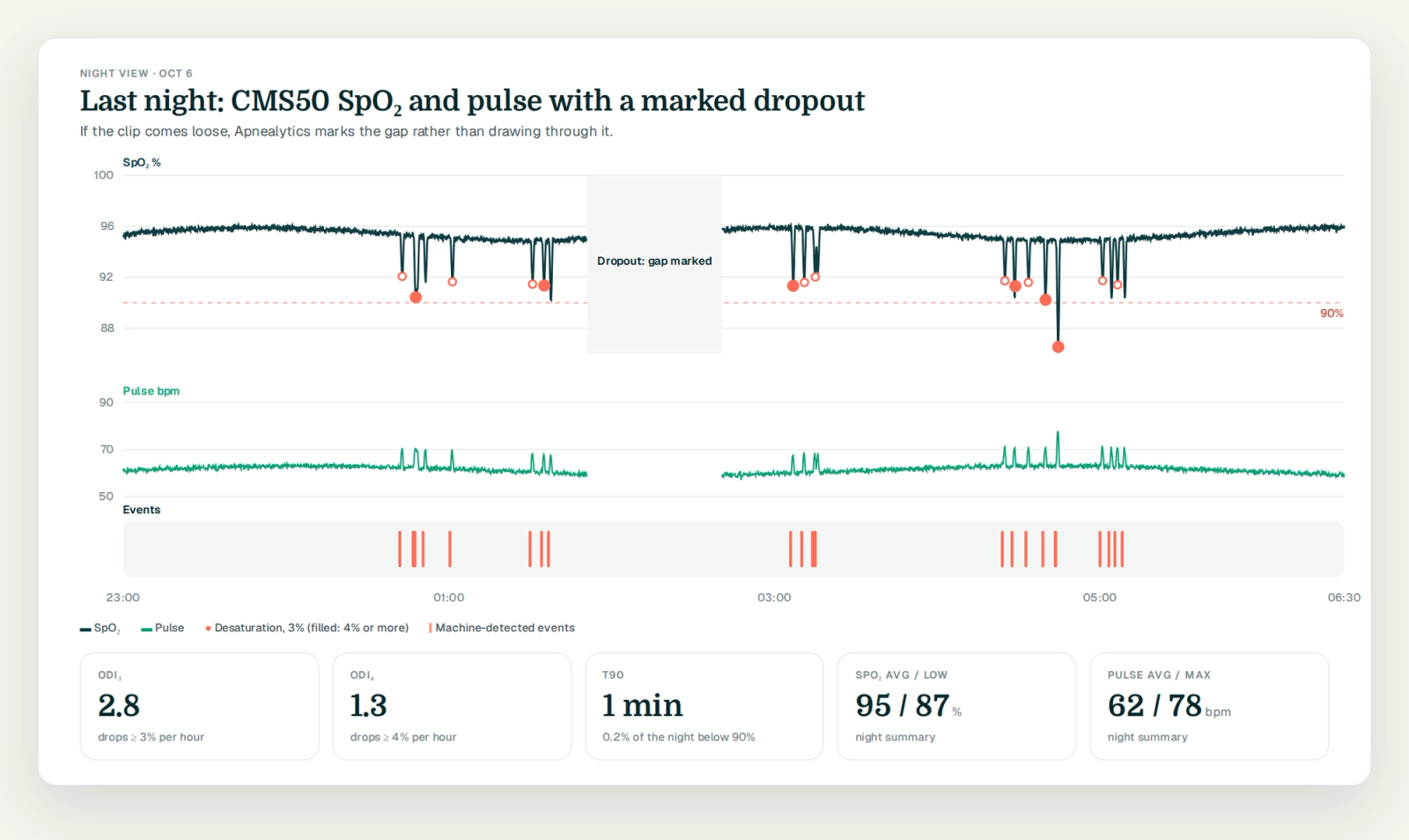
Finger clips come off. The CMS50D+ clip can loosen during sleep, producing a flat line or dropout. Apnealytics marks gaps rather than drawing through them. Many people tape the clip or prefer the wrist-and-probe CMS50F.
Clock drift. Set the device clock from the software before each night if your model allows it.
Rebadged units. The same hardware is sold under many names. If your CSV layout is not recognised, the column mapper handles it; send the file to info@apnealytics.com and we will add the layout.
Memory limits. Some models hold only one night. Download before you record again.
Oximetry import and overlays are part of Pro at $8.99 a month or $99.99 a year, per account, covering every family login. See pricing.
Any model that records overnight and exports CSV: the CMS50D+, CMS50E, CMS50F, CMS50I and their rebadged equivalents. Export from Contec's desktop software or the companion app, then import on the web or in the phone apps. Oximetry overlays are a Pro feature.
Some older software versions export only time of day. Apnealytics detects this and asks which night the file belongs to; pick the date and the overlay aligns from there. Newer software versions include the date and need no prompt.
No. Browsers cannot read the device, and Contec's software is the step that pulls data off it. Export CSV from that software and import it. Bluetooth models that sync to a phone app can export CSV from the app and share it to Apnealytics in a few taps.
It is a consumer oximeter, not a clinical one, and it is sensitive to movement and a loose clip. For spotting whether your events line up with desaturations across many nights it is useful; for any clinical question, talk to your clinician. Apnealytics marks motion and dropout so you can discount them.
The CMS50 family is cheaper and widely available; the O2Ring is more comfortable and stays on more reliably. Both import into Apnealytics the same way. See the Wellue O2Ring page for its export steps.
The web app is live today. iPhone and iPad are on the App Store. Android is on Google Play. Your first 30 nights are free, forever.
 DashboardSleep Score, AHI band, leak and pressure
 Trends & historyA year down to a night
 Breath-by-breath viewerAirflow, pressure, leak tracesPro
 SpO₂ overlayOximeter data on the same nightPro
 Pressure insightsP95, set range, EPR and ramp
 SD card importDrop the card folder, only new nights added
 Mask fit & gearWhich mask actually seals
 Ask your dataPlain-English questions, your own AI keyBYOK
 Year in SleepYour therapy year in one storyNew
 Compliance reportFinds the qualifying window for youPro
 Share with your doctorRead-only, revocable links
 Companion appiPhone, iPad and Android
 Privacy & securityYour data, locked to you
 ResMed AirSense 10 & 11Supported
 ResMed AirCurve 10 & 11 VAutoSupported
 ResMed S9 / LumisSupported
 Philips DreamStation 1 & 2Supported
 Fisher & Paykel SleepStyleSupported
 Löwenstein / DeVilbissPartial
 React Health Luna G3Waitlist
 Transcend MicroWaitlist
 Full face masksFit, leak signature, Mask Analytics
 Nasal masksOver-nose and cradle styles
 Nasal pillowsMinimal-contact fit tips
 Wellue O2RingSupported
 Contec CMS50 familySupported
 Apple Health / Health ConnectResting HR, HRV, SpO₂, sleepSupported
 What is AHI?The apnea-hypopnea index, explained
 What is a good AHI on CPAP?
 CPAP leak rate explained
 Pressure settings explained
 Reading CPAP waveformsAll 14 explainers
 Apnealytics vs SleepHQ
 Apnealytics vs OSCAR
 Apnealytics vs myAir
 Apnealytics vs DreamMapper
 SleepHQ vs OSCARBest CPAP apps in 2026
 How to read CPAP dataStart here: six numbers, in order
 Read your CPAP SD card
 Share data with your doctorChoosing a CPAP mask
 Travel with CPAPAll guides
 Mask finderSeven questions, a ranked mask typeYour data
 Machine finderA two-machine shortlist for your prescription
 iPhone / iPhone DuoLast night before you are out of bed. Apple Health vitals, Face ID.Live
 iPadSame universal app, side-by-side panes and full-width waveforms.Live
 AndroidPhones, tablets and foldables, with Health Connect built in.Live
 Web portalWhere your SD card goes. Every chart, report and setting.Live

