


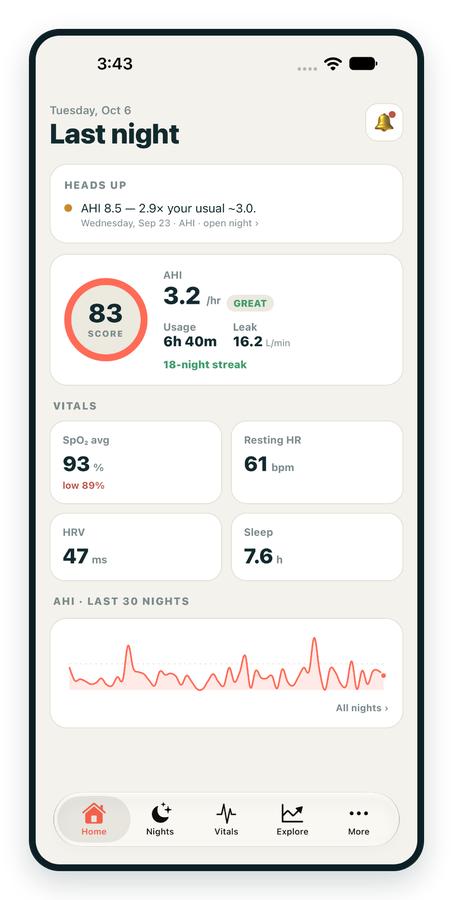
iPhone / iPhone Duo Live
Last night before you are out of bed. Apple Health vitals, Face ID.
Download on the App Store Apnealytics
Free on every plan: unlimited imports, the full dashboard and your last 30 nights.
 Compatibility checkerWill my machine work?Type your model. You get a straight answer: supported, partial, waitlist, or why not.Check my machine
 If it writes an SD card, we probably read it. ResMed AirMini has no card, so no app can read it.
Sleep Check-up
3 of 6 checks done
Six short screeners, one picture of how you sleep. Earn a milestone for each, save results and get retake reminders.
Latest milestone: Sleepiness check done
 NEWTrack your 90-day compliance windowOpen the calculator
 13 free tools. No account needed — sign in to save results and fill answers from your own CPAP data.
Last night before you are out of bed. Apple Health vitals, Face ID.
Download on the App Store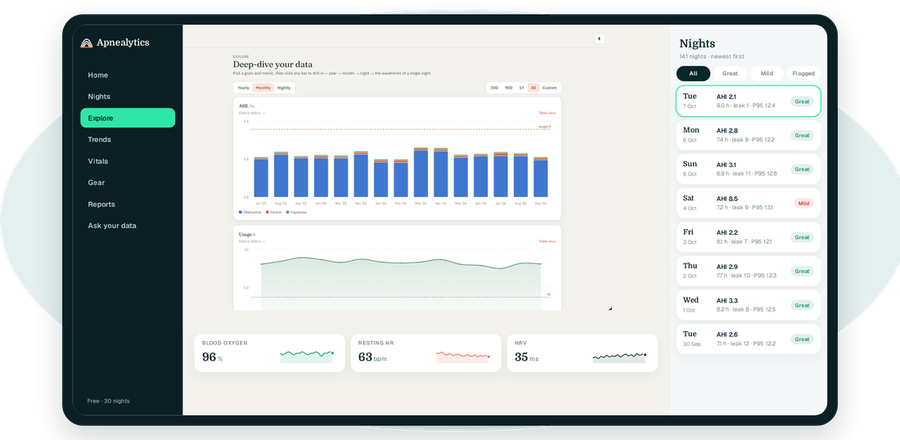
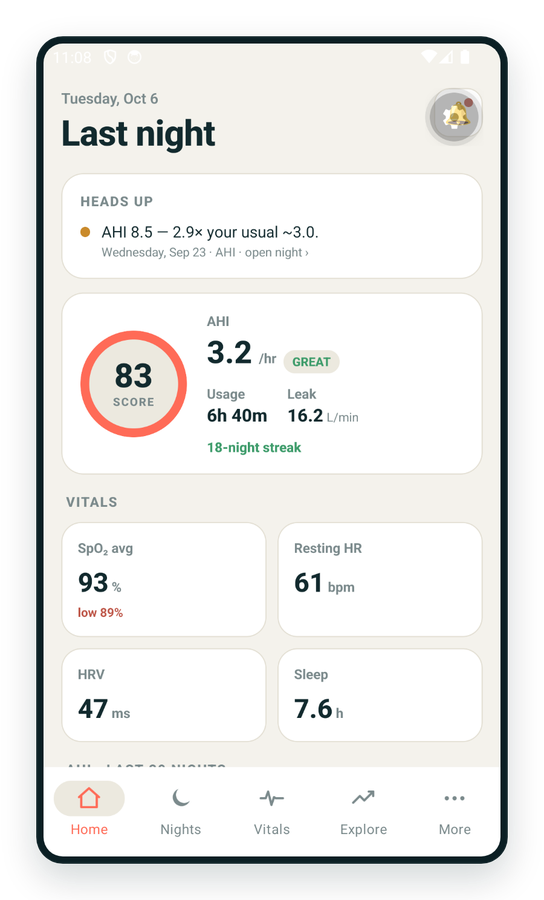
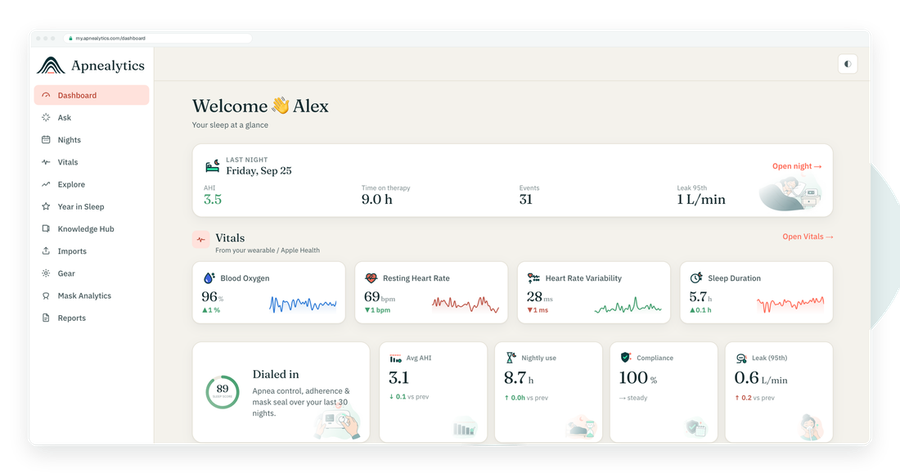
One account on every screen. Apple Watch vitals sync through Apple Health.
Supported. The Philips Respironics DreamStation 2 Auto CPAP writes its therapy record to an SD card in a proprietary Philips format, and Apnealytics reads it. This page tells you what the machine records, where the card is, how to import it, and what Apnealytics shows for DreamStation 2 data.
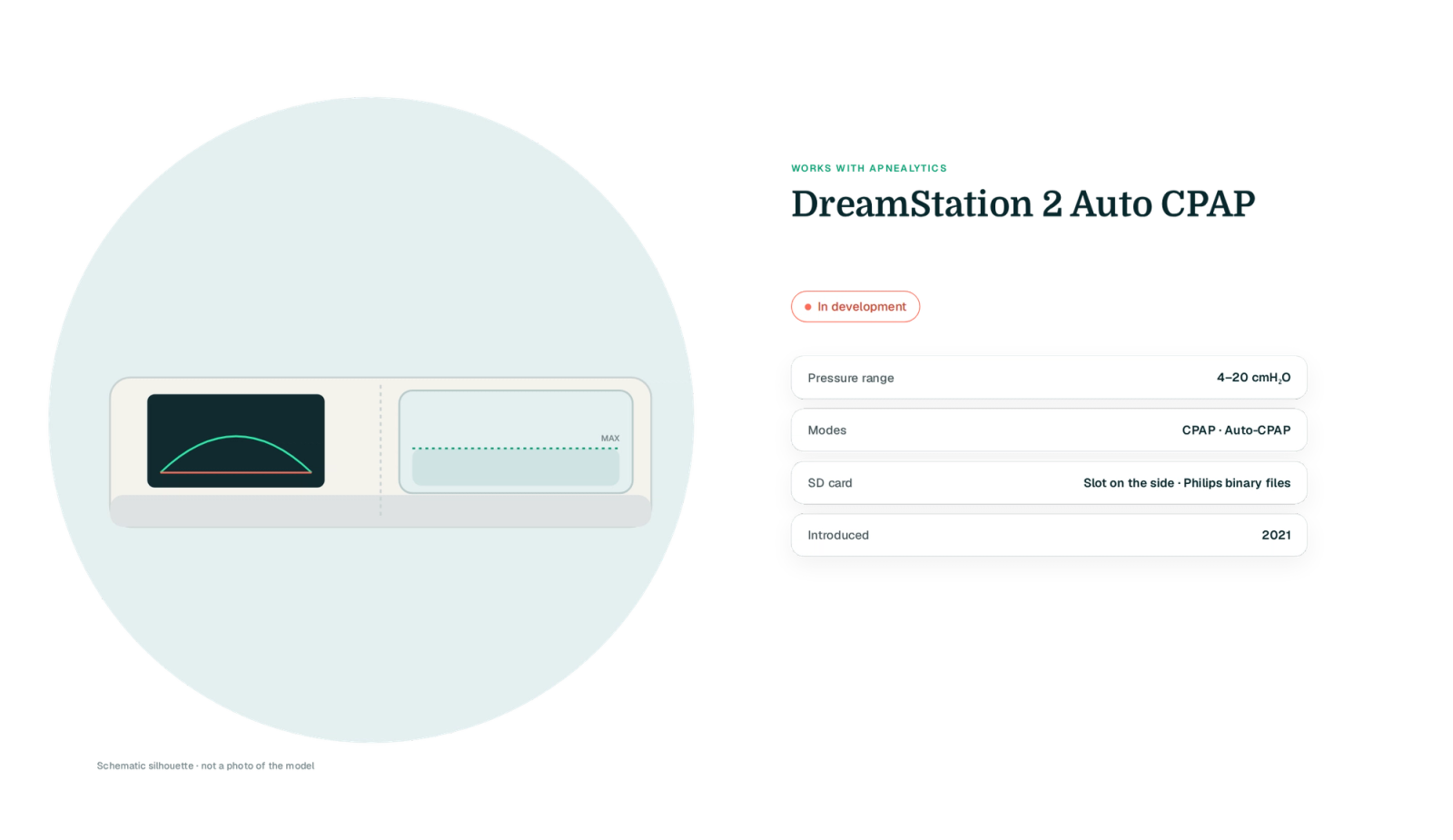
The DreamStation 2 replaced the original DreamStation with a smaller body, a colour touchscreen and a new data layout. The newer layout needed its own parser, separate from the original DreamStation.
| Spec | DreamStation 2 Auto CPAP Advanced |
|---|---|
| Pressure range | 4–20 cmH₂O |
| Modes | CPAP, Auto-CPAP (with CPAP-Check on some configurations) |
| Comfort | Flex pressure relief (0–3), Ramp Plus |
| Humidifier | Integrated heated humidifier, heated tube optional |
| SD card | SD card, in a slot on the side |
| Data files written | Proprietary Philips binary files in a P-Series-style folder structure |
| Bluetooth / app | Yes — Bluetooth to the DreamMapper app; cellular modem on most units |
| Year introduced | 2021 |
| Apnealytics status | Supported |
![Drawn schematic silhouette of a DreamStation 2-style compact body with integrated humidifier on a teal blob, SD slot on the left side highlighted in mint [VERIFY: left side behind a flap], three fact rows (not a photo)](https://cdn.sanity.io/images/xljt2bp4/staging/e125a5d33c42adb202dba7f97ae44a8e6dca7307-2380x1344.png?w=2000&fit=max&auto=format)
The card slot is on the side of the main unit. Turn the machine off and wait a few seconds before pressing the card to release it. Keep the card in and keep a spare: the DreamStation 2 stores detailed data only on the card, and nights recorded without one are gone.
![Two-view schematic: DreamStation 2 front (drawn silhouette) on a teal blob and a side elevation with the SD slot highlighted in mint, on the side of the main unit, behind a flap [VERIFY: slot side and cover], with the power-off reminder](https://cdn.sanity.io/images/xljt2bp4/staging/5c659230d91891a734ea732b3074ac32c31074e5-2400x1140.png?w=1000&fit=max&auto=format)
Turn the DreamStation 2 off and remove the SD card.
Card import is web-only, as with ResMed.
Sign in at my.apnealytics.com and open Import.
The upload goes directly to private storage on Cloudflare R2 and resumes if interrupted.
Nights are parsed and deduplicated against anything already in your account.
If the parser improves later, use Re-process in your import history and the nights update without uploading again.
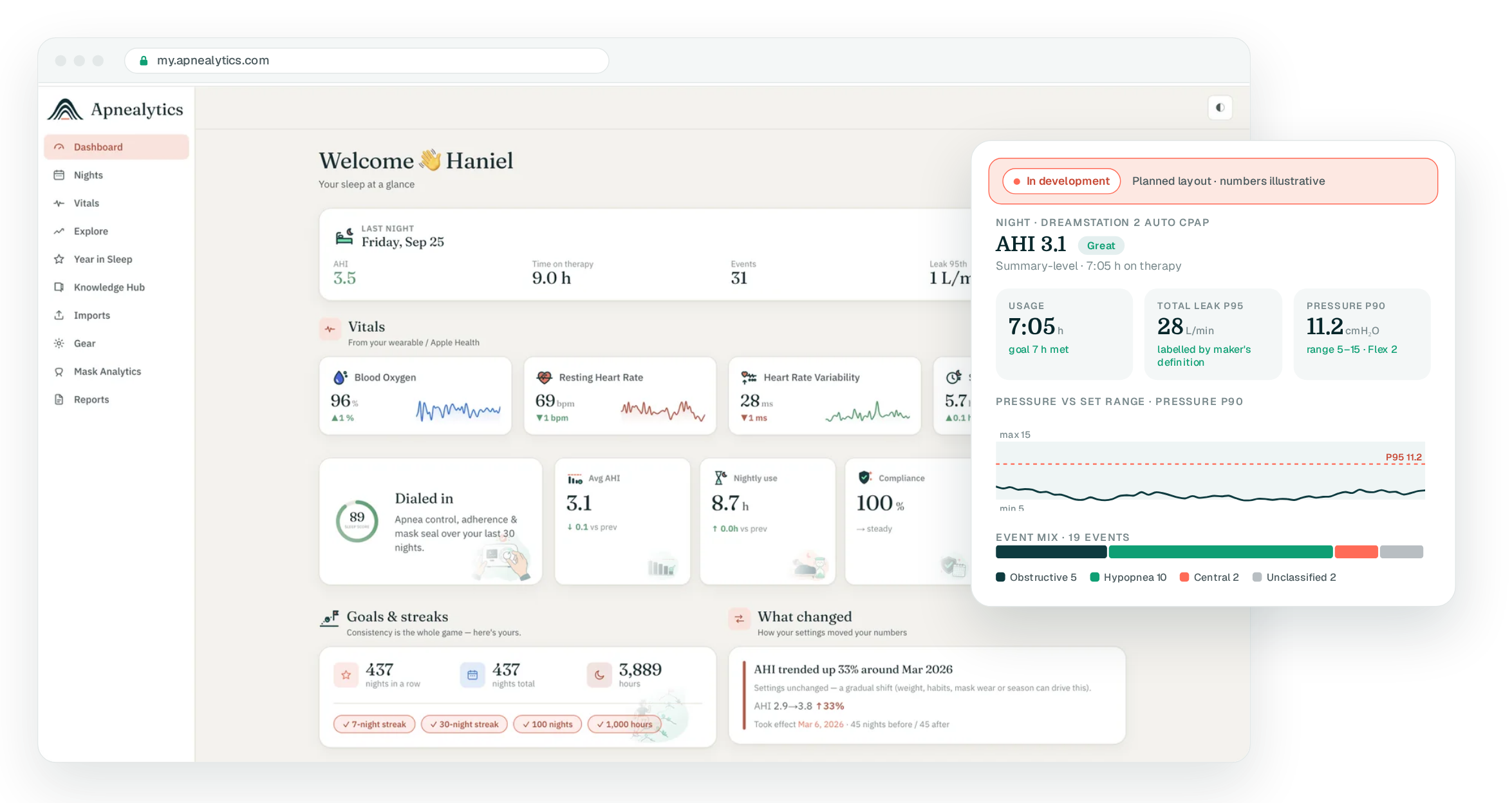
The DreamStation 2 records obstructive apneas, central (clear airway) apneas, hypopneas, RERAs, flow limitation and periodic breathing. Apnealytics maps these into its event composition: obstructive, central, hypopnea and unclassified, with the Philips-specific flags shown in the event strip.
Auto-CPAP nights show the 90th-percentile pressure Philips reports against the set range, with the Flex level alongside, in the same place EPR appears for ResMed users.
Philips reports leak differently from ResMed, as total leak rather than unintentional leak. Apnealytics labels the measure clearly and Mask Analytics compares it per mask. On Pro, the waveform viewer reads the high-resolution files for airflow and pressure.
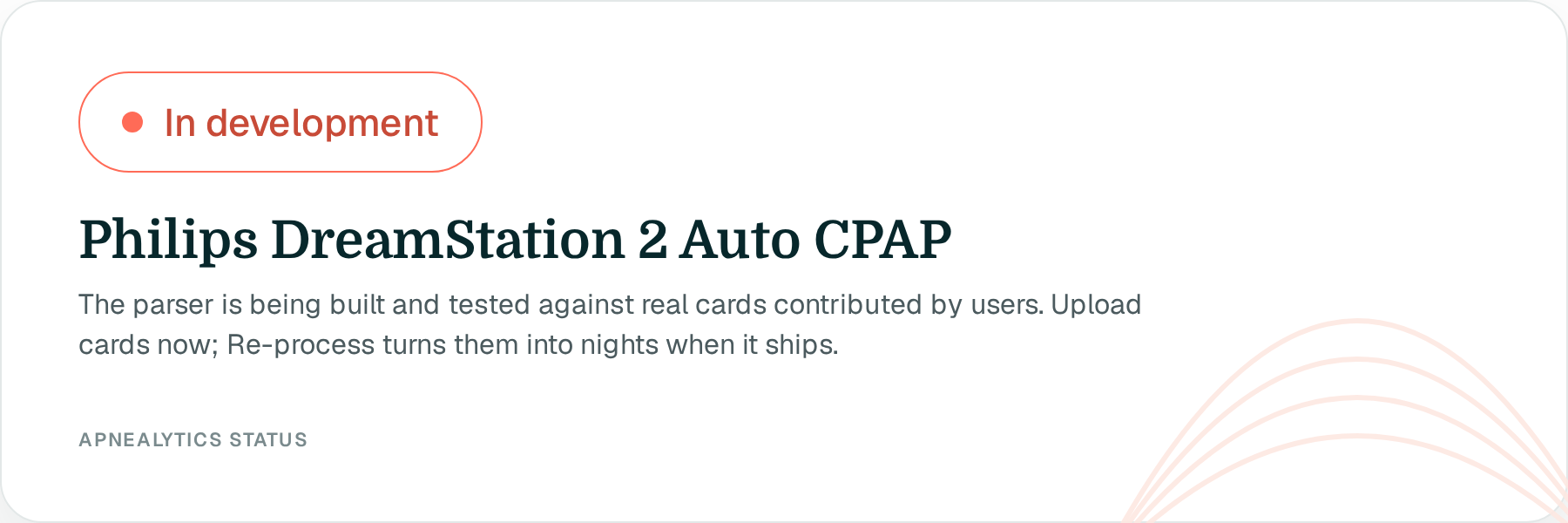
Proprietary format. Philips does not publish its file format. Our parser is built and tested against real cards contributed by users, rather than a documented EDF file.
Two generations, two layouts. The original DreamStation and the DreamStation 2 store data differently. Each has its own parser.
Modem and DreamMapper. Like ResMed's modem, the Philips modem sends a summary to Philips' servers and DreamMapper. It is not open to third parties, so the card is the import path.
Leak definitions. Because Philips reports total leak, numbers are not directly comparable with a ResMed machine's leak P95. Apnealytics shows the measure by name rather than pretend they match.
The DreamStation 2 uses a standard 22 mm tube connection and works with Philips, ResMed and Fisher & Paykel masks. Mask tracking in your gear works alongside your nightly data:
DreamWear Nasal, AirFit N20
DreamWear Full Face, AirFit F20
DreamWear Gel Pillows, AirFit P10
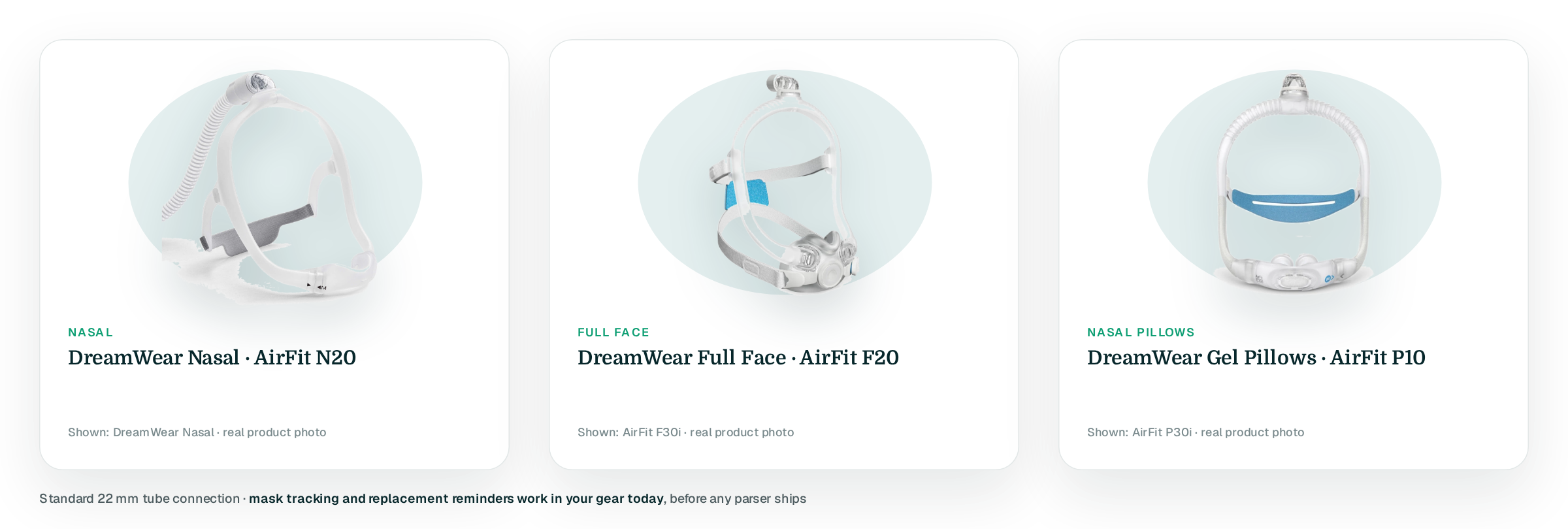
Mask replacement reminders work now; seal and AHI per mask fill in from the nights you import.
Create a free account, add the DreamStation 2 to your gear and upload the SD card. Not sure your model is covered? Use the compatibility checker.
Yes. The DreamStation 2 is supported. Create a free account, add the machine to your gear and upload the SD card; if the parser improves, Re-process in your import history updates past nights.
On the side of the main unit. Turn the machine off, wait a few seconds and press the card to release it. Keep the card in the machine at all times, because detailed data is written only to the card and cannot be recovered later.
No. DreamMapper is Philips' own app, Philips-only, and it has no export. The modem reports to Philips' servers. Apnealytics reads the SD card directly, which holds more detail than DreamMapper shows, including the high-resolution files for waveforms.
Mostly. AHI, usage, event types and pressure sit in the same places. Two differences are labelled: Philips reports a 90th-percentile pressure where ResMed reports a 95th, and Philips reports total leak rather than unintentional leak. Comparisons within one machine remain reliable.
OSCAR, the free desktop program for Windows, Mac and Linux, reads Philips machines, and SleepHQ lists Philips among its supported brands. DreamMapper shows a daily summary. Apnealytics can import your historical cards in one go.
The web app is live today. iPhone and iPad are on the App Store. Android is on Google Play. Your first 30 nights are free, forever.
 DashboardSleep Score, AHI band, leak and pressure
 Trends & historyA year down to a night
 Breath-by-breath viewerAirflow, pressure, leak tracesPro
 SpO₂ overlayOximeter data on the same nightPro
 Pressure insightsP95, set range, EPR and ramp
 SD card importDrop the card folder, only new nights added
 Mask fit & gearWhich mask actually seals
 Ask your dataPlain-English questions, your own AI keyBYOK
 Year in SleepYour therapy year in one storyNew
 Compliance reportFinds the qualifying window for youPro
 Share with your doctorRead-only, revocable links
 Companion appiPhone, iPad and Android
 Privacy & securityYour data, locked to you
 ResMed AirSense 10 & 11Supported
 ResMed AirCurve 10 & 11 VAutoSupported
 ResMed S9 / LumisSupported
 Philips DreamStation 1 & 2Supported
 Fisher & Paykel SleepStyleSupported
 Löwenstein / DeVilbissPartial
 React Health Luna G3Waitlist
 Transcend MicroWaitlist
 Full face masksFit, leak signature, Mask Analytics
 Nasal masksOver-nose and cradle styles
 Nasal pillowsMinimal-contact fit tips
 Wellue O2RingSupported
 Contec CMS50 familySupported
 Apple Health / Health ConnectResting HR, HRV, SpO₂, sleepSupported
 What is AHI?The apnea-hypopnea index, explained
 What is a good AHI on CPAP?
 CPAP leak rate explained
 Pressure settings explained
 Reading CPAP waveformsAll 14 explainers
 Apnealytics vs SleepHQ
 Apnealytics vs OSCAR
 Apnealytics vs myAir
 Apnealytics vs DreamMapper
 SleepHQ vs OSCARBest CPAP apps in 2026
 How to read CPAP dataStart here: six numbers, in order
 Read your CPAP SD card
 Share data with your doctorChoosing a CPAP mask
 Travel with CPAPAll guides
 Mask finderSeven questions, a ranked mask typeYour data
 Machine finderA two-machine shortlist for your prescription
 iPhone / iPhone DuoLast night before you are out of bed. Apple Health vitals, Face ID.Live
 iPadSame universal app, side-by-side panes and full-width waveforms.Live
 AndroidPhones, tablets and foldables, with Health Connect built in.Live
 Web portalWhere your SD card goes. Every chart, report and setting.Live

