


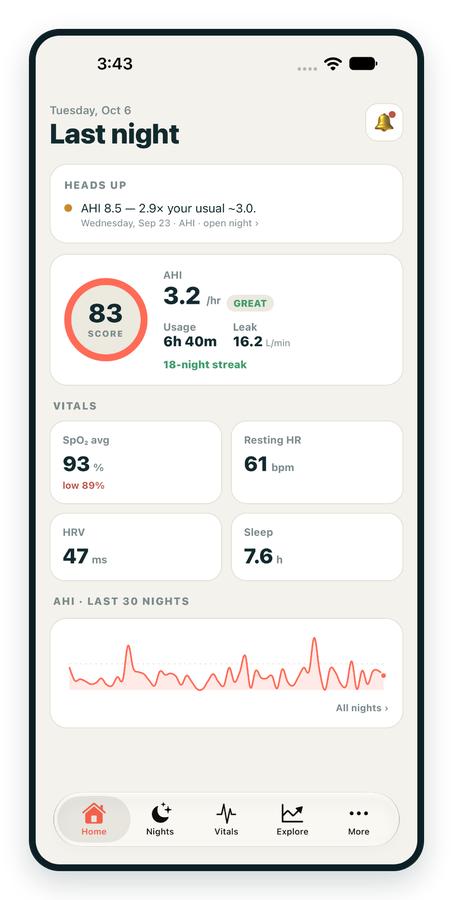
iPhone / iPhone Duo Live
Last night before you are out of bed. Apple Health vitals, Face ID.
Download on the App Store Apnealytics
Free on every plan: unlimited imports, the full dashboard and your last 30 nights.
 Compatibility checkerWill my machine work?Type your model. You get a straight answer: supported, partial, waitlist, or why not.Check my machine
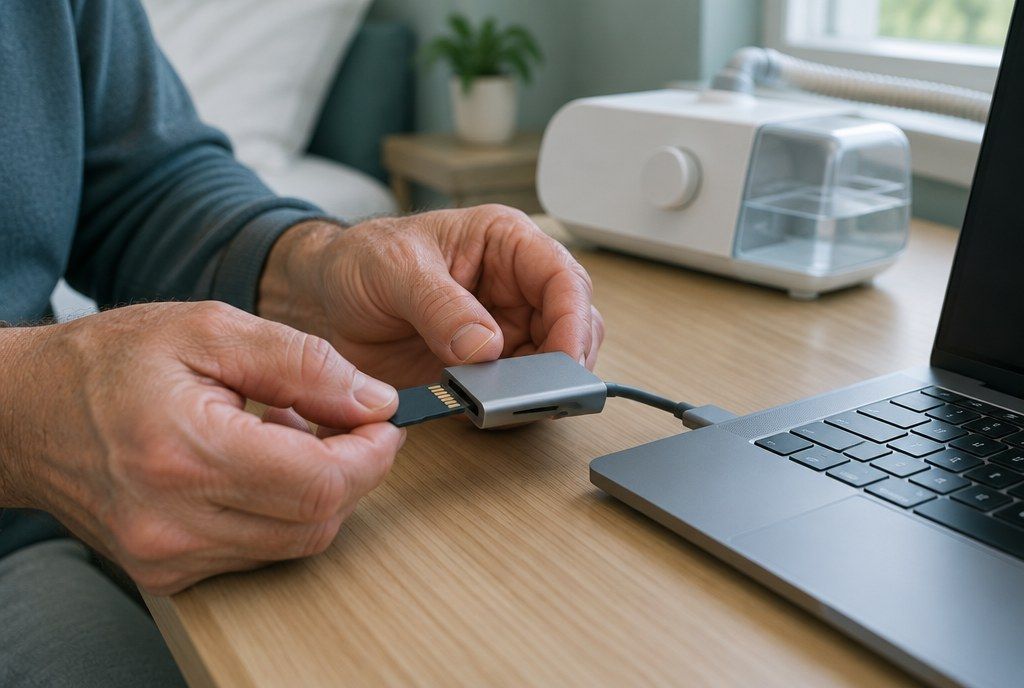
 If it writes an SD card, we probably read it. ResMed AirMini has no card, so no app can read it.
Sleep Check-up
3 of 6 checks done
Six short screeners, one picture of how you sleep. Earn a milestone for each, save results and get retake reminders.
Latest milestone: Sleepiness check done
 NEWTrack your 90-day compliance windowOpen the calculator
 13 free tools. No account needed — sign in to save results and fill answers from your own CPAP data.
Last night before you are out of bed. Apple Health vitals, Face ID.
Download on the App Store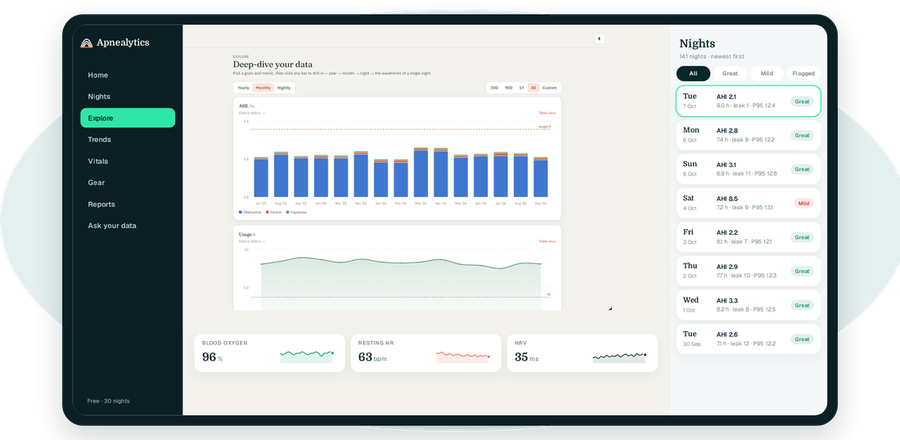
One account on every screen. Apple Watch vitals sync through Apple Health.
Tell us what is broken, what is missing or what looks wrong, and a person on the Apnealytics team will read it. If your machine is not fully supported yet, a copy of its SD card data is the most useful thing you can send.
Something did not load, crashed or behaved differently from what you expected.
Something you wish Apnealytics did.
Your machine has partial support or is on the waitlist, or a newer firmware is not reading correctly. Sample files let us build and test the parser against real data.
An AHI, usage or leak figure that does not match your machine's screen or another tool.
Plans, renewals, comp codes or sign-in trouble.
Praise is welcome too.
When a machine is on the waitlist or only partly supported, real files are what turn it into a supported one. Here is what helps and how we handle it.
You get a confirmation email with a reference number right away. A member of the team reads every message and replies within 2 business days when you have asked for a reply. For machine support requests, we will tell you whether your files were readable and where your machine sits on our list. We cannot promise a date for new machine support, but sample data moves it forward.
Please keep sensitive medical details out of the message box: diagnoses, medications and other health conditions are not needed to fix software. Your therapy numbers are fine to mention. Read more in privacy and security.
Your reference number is AP-48213. We have emailed a copy to sam@example.com. Expect a reply within 2 business days. If you uploaded files, they are stored privately and used only for this report.
REFERENCEAP-48213Send another messageNo. Anyone can use the form. If you are signed in, your email and app version are filled in for you, which makes it easier to match your report to what you are seeing. Without an account, add an email address if you want a reply; without one we can read your message but cannot answer it.
No. Sample data is stored separately from user accounts and never appears in your dashboard or history. To see your own nights in Apnealytics, import your card through the web portal as usual. See SD card import for how that works.
Files go to a private, access-restricted bucket used only for parser work, and are deleted after the fix ships or when you ask. You can remove the Identification file first to strip the machine serial. Avoid writing personal medical details in the message box; they are not needed.
Sometimes. Small differences can come from how a night is defined (noon to noon) or from rounding. A large difference, or a night that is missing, is worth reporting. Send the night's date, a photo of the machine's screen and a screenshot of Apnealytics, and we will compare them.
Choose "Add support for my machine / share sample data", enter the exact model, and upload a zipped copy of the card folder if you can. Requests with sample files move fastest. You can check the current status of each machine on works with.
Check what Apnealytics reads today, and send a card sample to move it up the list.
 DashboardSleep Score, AHI band, leak and pressure
 Trends & historyA year down to a night
 Breath-by-breath viewerAirflow, pressure, leak tracesPro
 SpO₂ overlayOximeter data on the same nightPro
 Pressure insightsP95, set range, EPR and ramp
 SD card importDrop the card folder, only new nights added
 Mask fit & gearWhich mask actually seals
 Ask your dataPlain-English questions, your own AI keyBYOK
 Year in SleepYour therapy year in one storyNew
 Compliance reportFinds the qualifying window for youPro
 Share with your doctorRead-only, revocable links
 Companion appiPhone, iPad and Android
 Privacy & securityYour data, locked to you
 ResMed AirSense 10 & 11Supported
 ResMed AirCurve 10 & 11 VAutoSupported
 ResMed S9 / LumisSupported
 Philips DreamStation 1 & 2Supported
 Fisher & Paykel SleepStyleSupported
 Löwenstein / DeVilbissPartial
 React Health Luna G3Waitlist
 Transcend MicroWaitlist
 Full face masksFit, leak signature, Mask Analytics
 Nasal masksOver-nose and cradle styles
 Nasal pillowsMinimal-contact fit tips
 Wellue O2RingSupported
 Contec CMS50 familySupported
 Apple Health / Health ConnectResting HR, HRV, SpO₂, sleepSupported
 What is AHI?The apnea-hypopnea index, explained
 What is a good AHI on CPAP?
 CPAP leak rate explained
 Pressure settings explained
 Reading CPAP waveformsAll 14 explainers
 Apnealytics vs SleepHQ
 Apnealytics vs OSCAR
 Apnealytics vs myAir
 Apnealytics vs DreamMapper
 SleepHQ vs OSCARBest CPAP apps in 2026
 How to read CPAP dataStart here: six numbers, in order
 Read your CPAP SD card
 Share data with your doctorChoosing a CPAP mask
 Travel with CPAPAll guides
 Mask finderSeven questions, a ranked mask typeYour data
 Machine finderA two-machine shortlist for your prescription
 iPhone / iPhone DuoLast night before you are out of bed. Apple Health vitals, Face ID.Live
 iPadSame universal app, side-by-side panes and full-width waveforms.Live
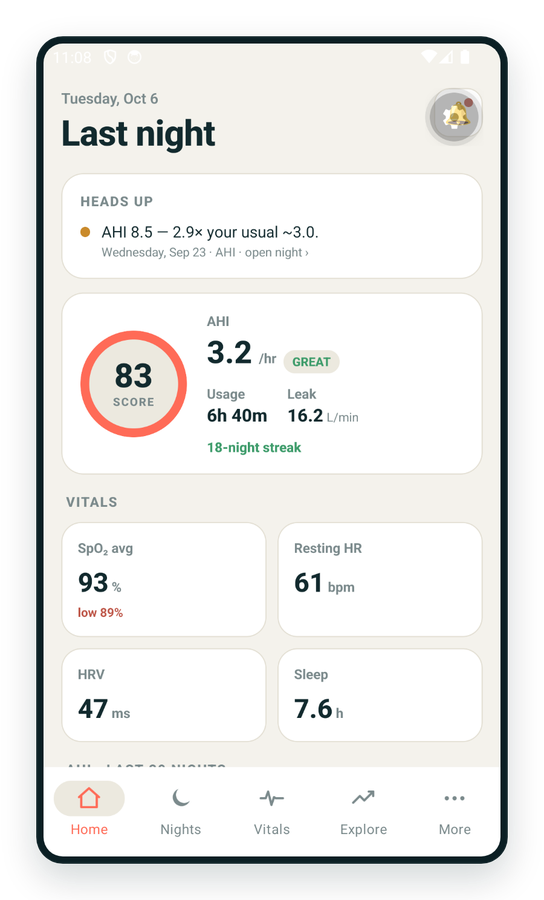
 AndroidPhones, tablets and foldables, with Health Connect built in.Live
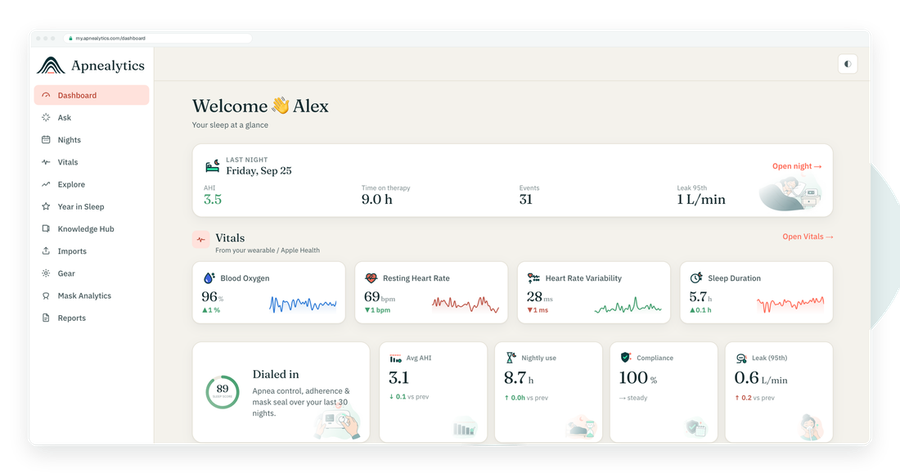
 Web portalWhere your SD card goes. Every chart, report and setting.Live

